Watch. React.
Create.
Dual Camera + one-take reactions from any YouTube link — no editing, record & share. Split-screen or PiP, Full HD export, 100% on-device — ready for Shorts, Reels, TikTok & YouTube.
▶ See it in action · Free to start · No account needed
“Start your creator journey today — success comes tomorrow.”
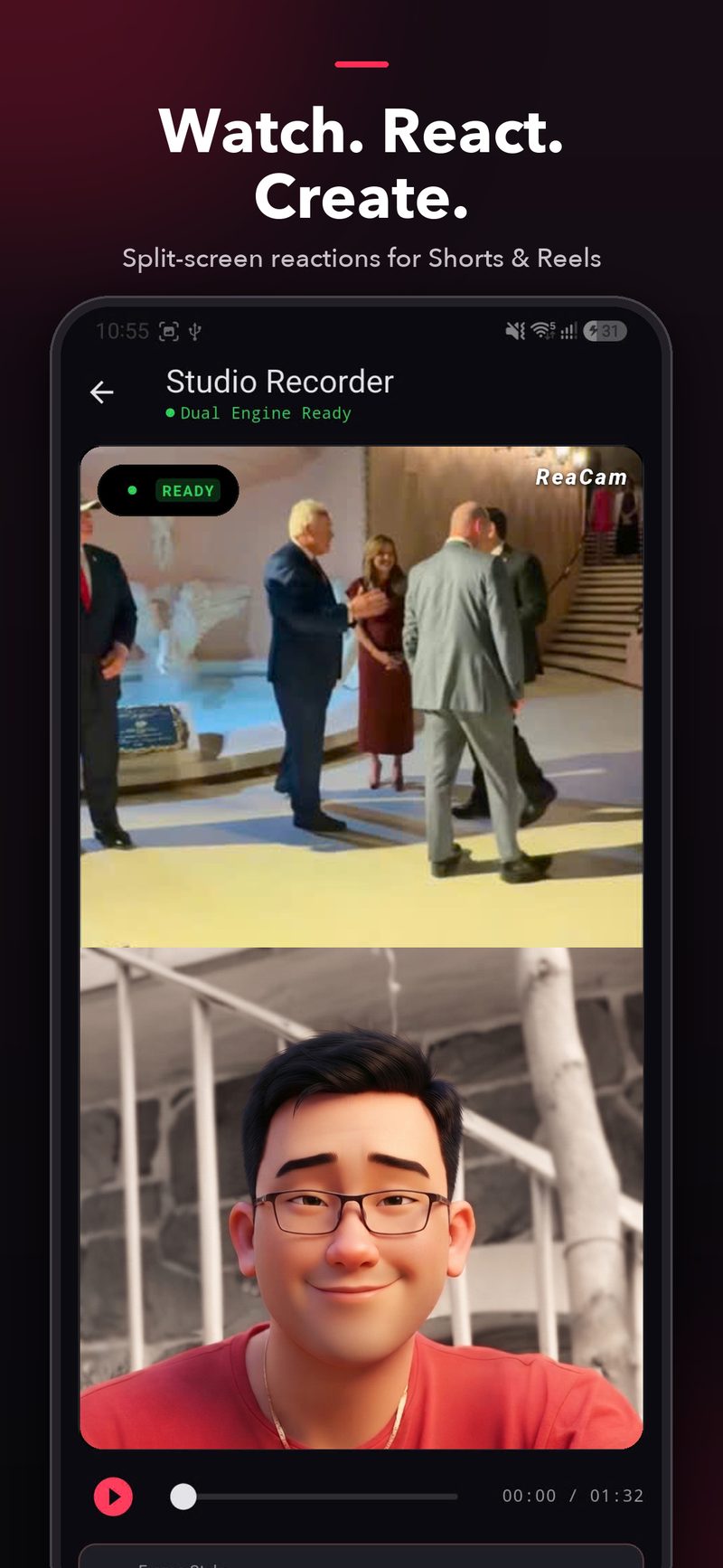
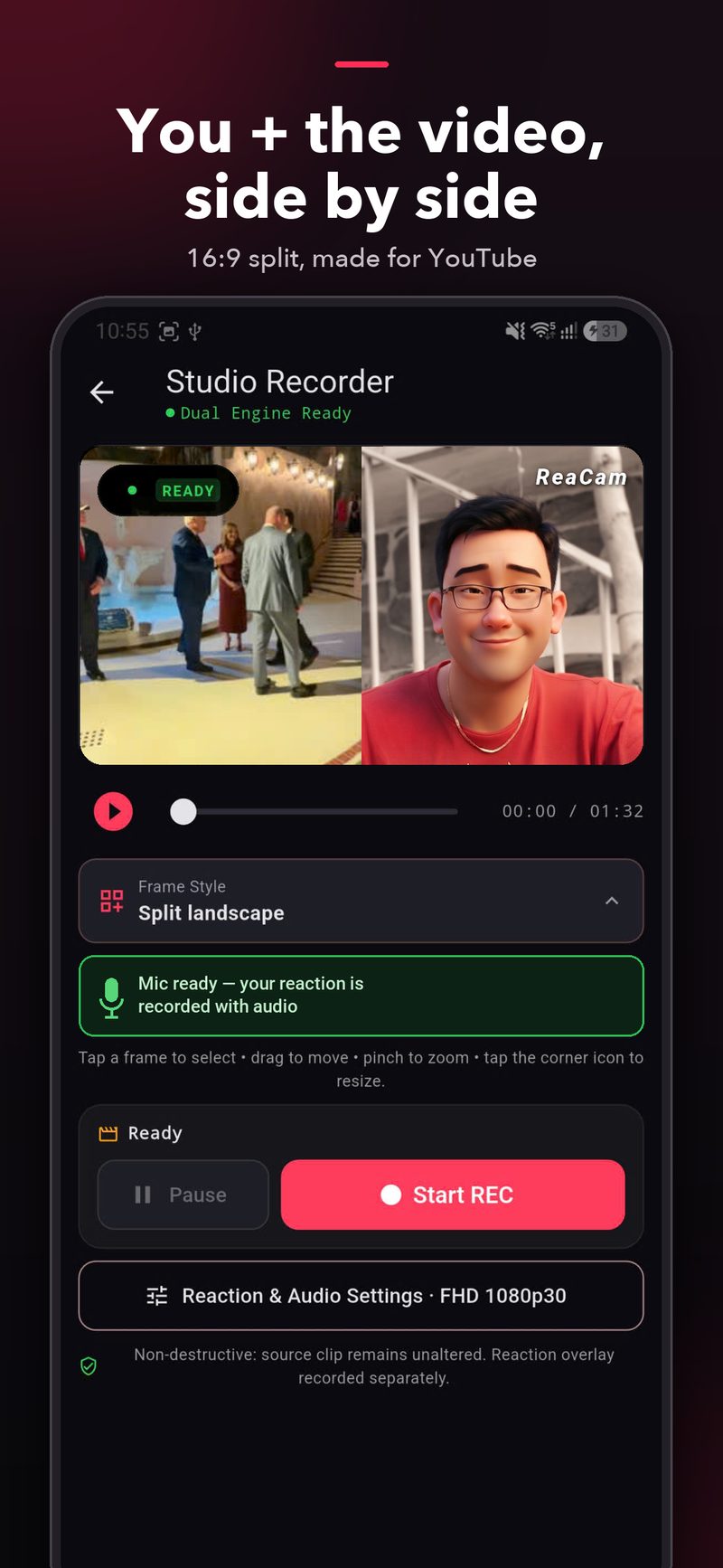
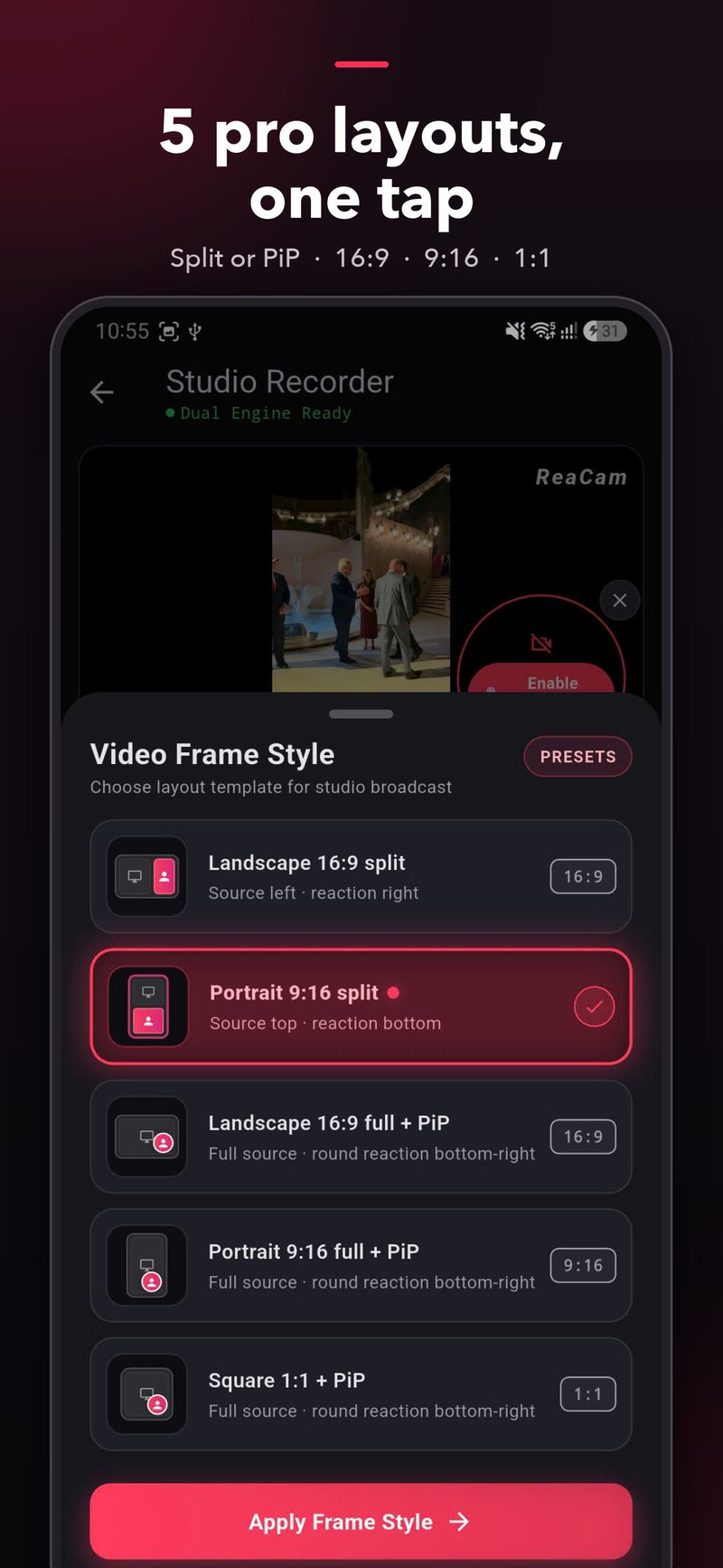
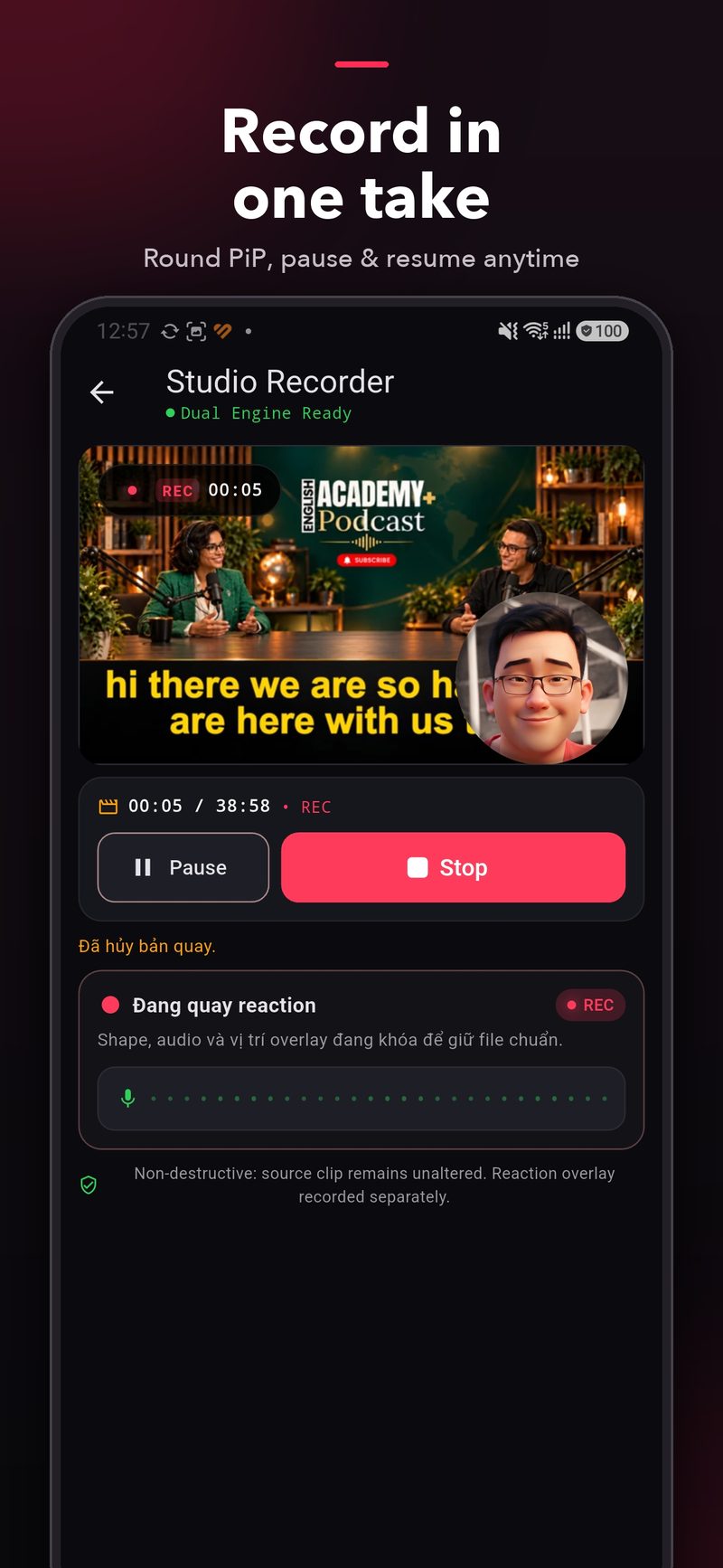
Swipe through the real app — Studio Recorder, layouts, recording, import, export & rendering.
Everything you need.
Nothing you don't.
One timeline for the source video, your camera and your mic. Pick a layout, hit record, export — done.
Dual Camera — front + back, together
Film what you see and your reaction at the same time — no source video needed. Swap cameras live mid-recording and tune each camera separately. Perfect for vlogs, events, unboxings & travel.
Split-screen reactions
You + the video, side by side. Portrait split for Shorts & Reels, landscape split made for YouTube.
5 pro layouts, one tap
Split or floating PiP in 16:9, 9:16 and 1:1. Drag to move, pinch to zoom, tap the corner to resize.
Record in one take
Round PiP with live mic waveform. Pause & resume anytime — reaction overlay is recorded separately, source stays untouched.
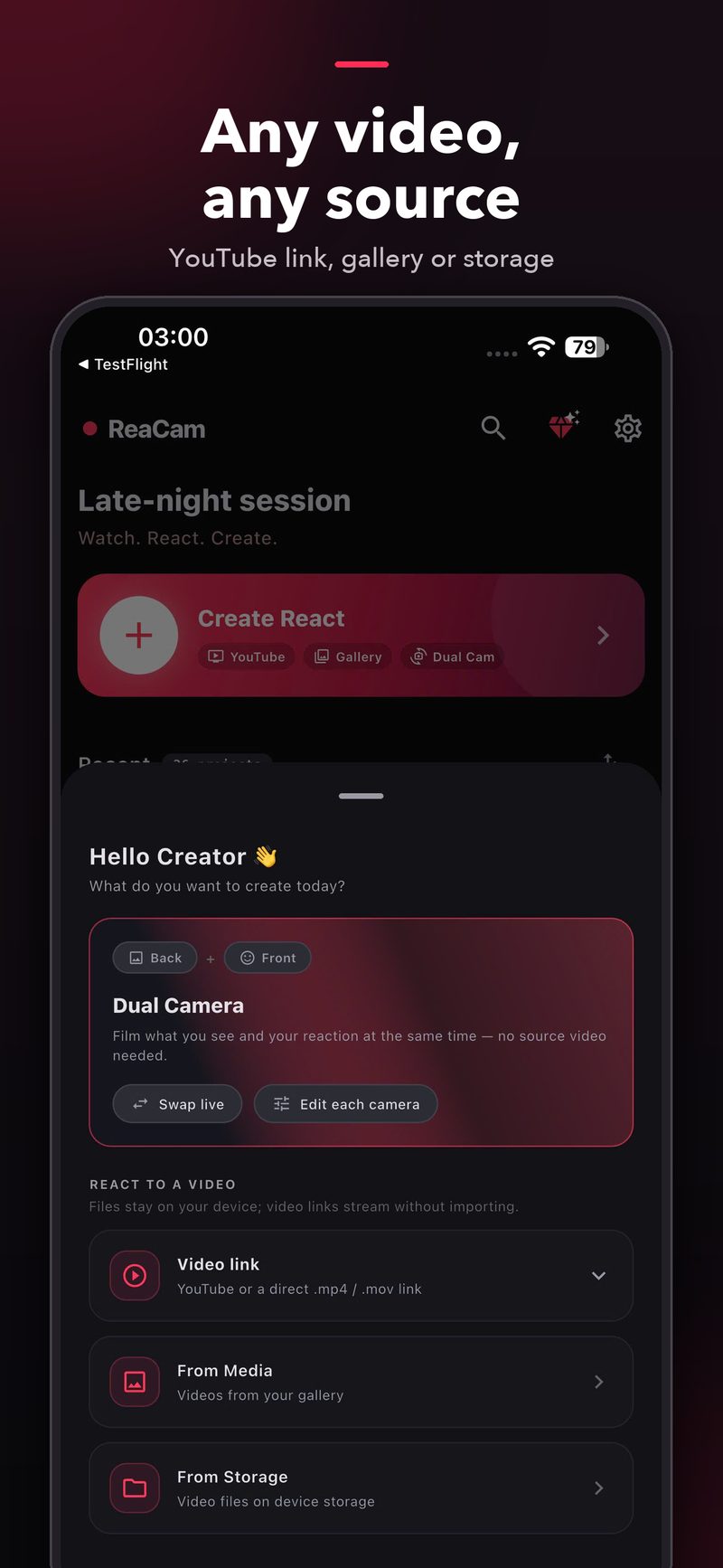
Any video, any source
Paste a YouTube or direct .mp4/.mov link to stream instantly — or pick from gallery and device storage. Plus Dual Cam: front + back together.
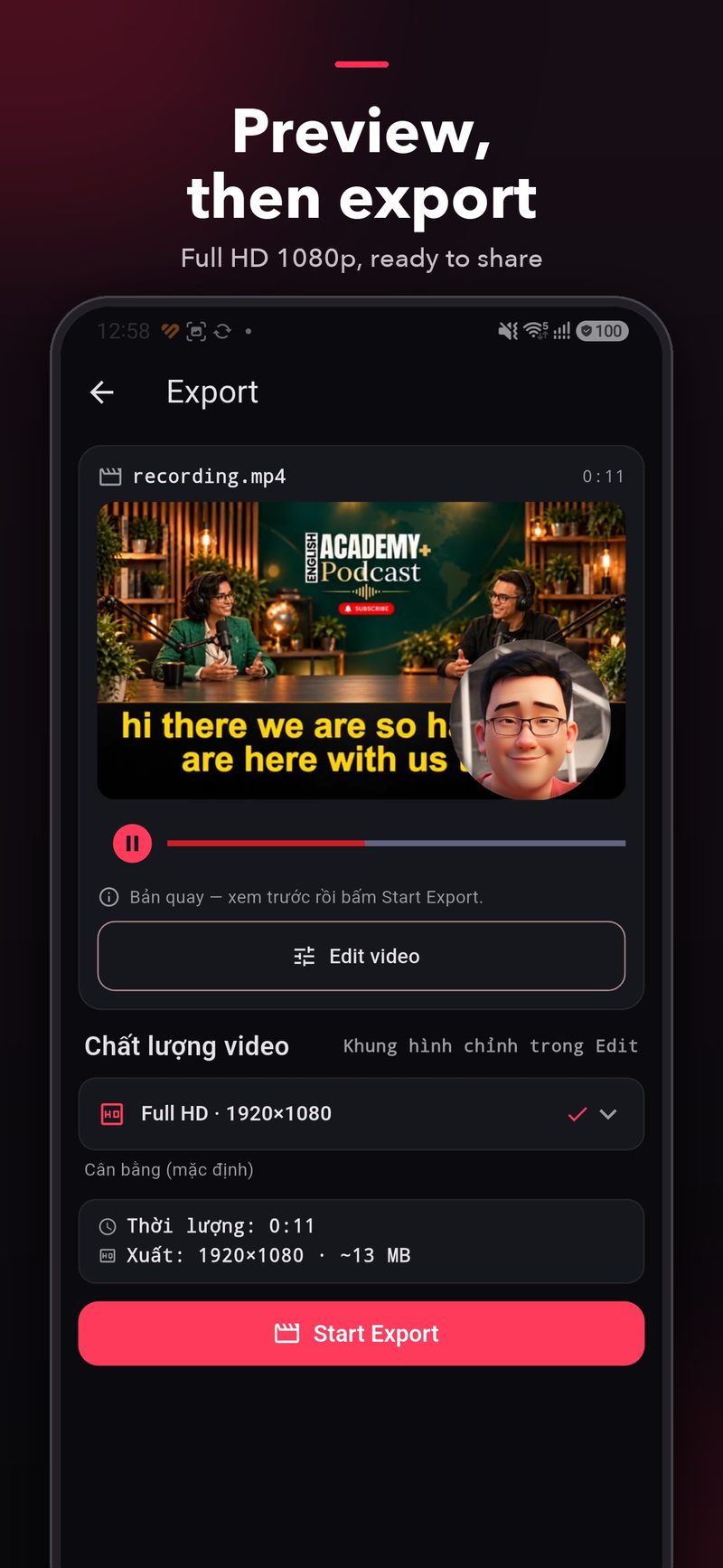
Preview, then export
Watch your reaction back, trim in the editor, then Start Export in Full HD 1920×1080 — ready to share everywhere.
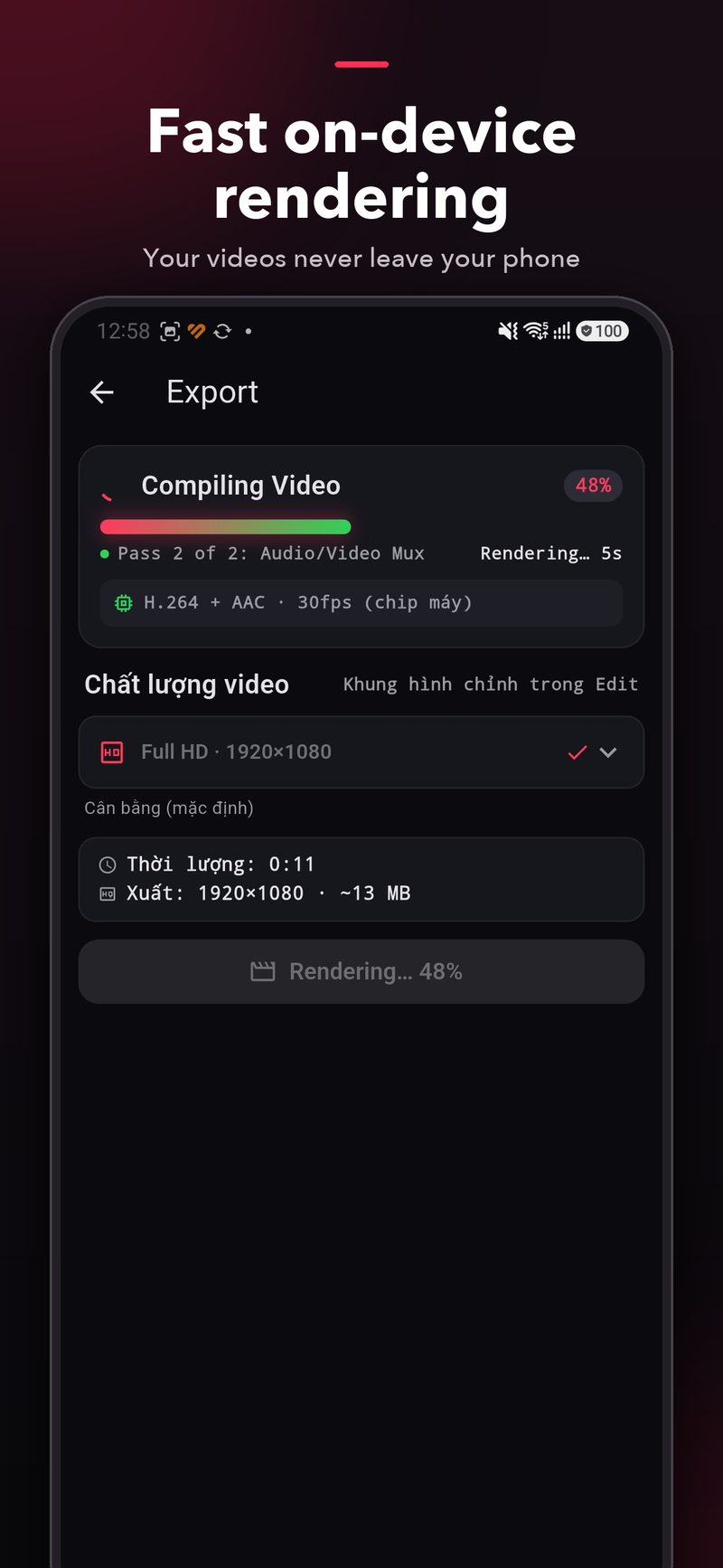
Fast on-device rendering
H.264 + AAC at 30fps on your own chip. Your videos never leave your phone. No account, no login, no upload.
From idea to upload
in 3 steps.
1 · Bring your video — or go Dual Cam
Paste a YouTube link, choose from gallery or storage — or skip the source entirely: Dual Cam records front + back cameras together. Links stream instantly, no importing.
2 · Pick a layout & react
Choose one of 5 frame styles, position your round or split reaction, then hit Start REC. Pause and resume whenever you want.
3 · Preview & share
Review the cut, tweak it in Edit, export Full HD 1080p in seconds — then post straight to Shorts, Reels, TikTok or YouTube.
Your videos stay
on your device.
- ✅ No accounts, no login, no social graph
- ✅ Camera & mic footage never uploaded by the app
- ✅ Only anonymous crash & analytics via Firebase — opt out anytime in Settings
Questions, answered.
Do I need editing skills?
No. ReaCam is one shot and done: pick a layout, record your reaction with mic in a single take, preview and export Full HD. No timeline editing, no post-production — record & share.
Is ReaCam free?
Yes — ReaCam is free to start. Record, preview and export without creating an account.
Which platforms are supported?
ReaCam runs on iOS and Android, with layouts for every destination: 16:9 for YouTube, 9:16 for Shorts / Reels / TikTok, and 1:1 for feed posts.
What is Dual Camera mode?
Dual Cam records your front and back cameras at the same time — what you see plus your reaction — with no source video required. You can swap cameras live while recording and adjust each camera separately. Great for vlogs, events, unboxings and travel.
Can I react to a YouTube video?
Yes. Paste a YouTube link (or a direct .mp4 / .mov link) and it streams right into the Studio Recorder — nothing to import. Your reaction is recorded separately; the source stays unaltered.
What quality do exports get?
Full HD 1920×1080, H.264 + AAC at 30fps — rendered on-device in seconds, ready to share.
Do my videos get uploaded anywhere?
No. Processing happens on your phone. The only network use is streaming a link you paste (from YouTube) and anonymous Firebase analytics/crash reports, which you can switch off in Settings.
How do I get the app?
ReaCam is free to start — get it on the App Store (iPhone & iPad) or Google Play (Android). Questions? Email tntkhang@gmail.com.
Your next reaction video
is one tap away.
Watch. React. Create. — with ReaCam.